Now in the ChatGPT App Directory

Ask your AI.
Then ask the panel.

Get independent feedback from multiple AI models without leaving ChatGPT or Claude. Uncover inaccuracies, missing context, and stronger ways to answer the question.

Add to ChatGPT. It's Free.

Or search for “Qu Review” in the ChatGPT App Directory

Free to start · 3 reviews included Works inside ChatGPT Review stays in your chat

AI answers can sound confident and complete, and still be wrong.

You ask ChatGPT, Claude, or Gemini something that matters. The answer looks thorough. But you also know that AI confidently gets things wrong. Do you verify it manually? That takes time you don't have. Do you just use it? That's the risk you're trying to avoid.

Inaccuracies that don't announce themselves

Details that sound authoritative but aren't. Qu Review flags them specifically, with corrections.

Gaps you don't know about

AI optimizes for helpfulness, not completeness. Missing caveats, oversimplified advice. You find out before you rely on it.

The answer that needed more

Useful but not enough. Qu Review tells you exactly where to probe, so you get from a decent AI answer to a strong final one.

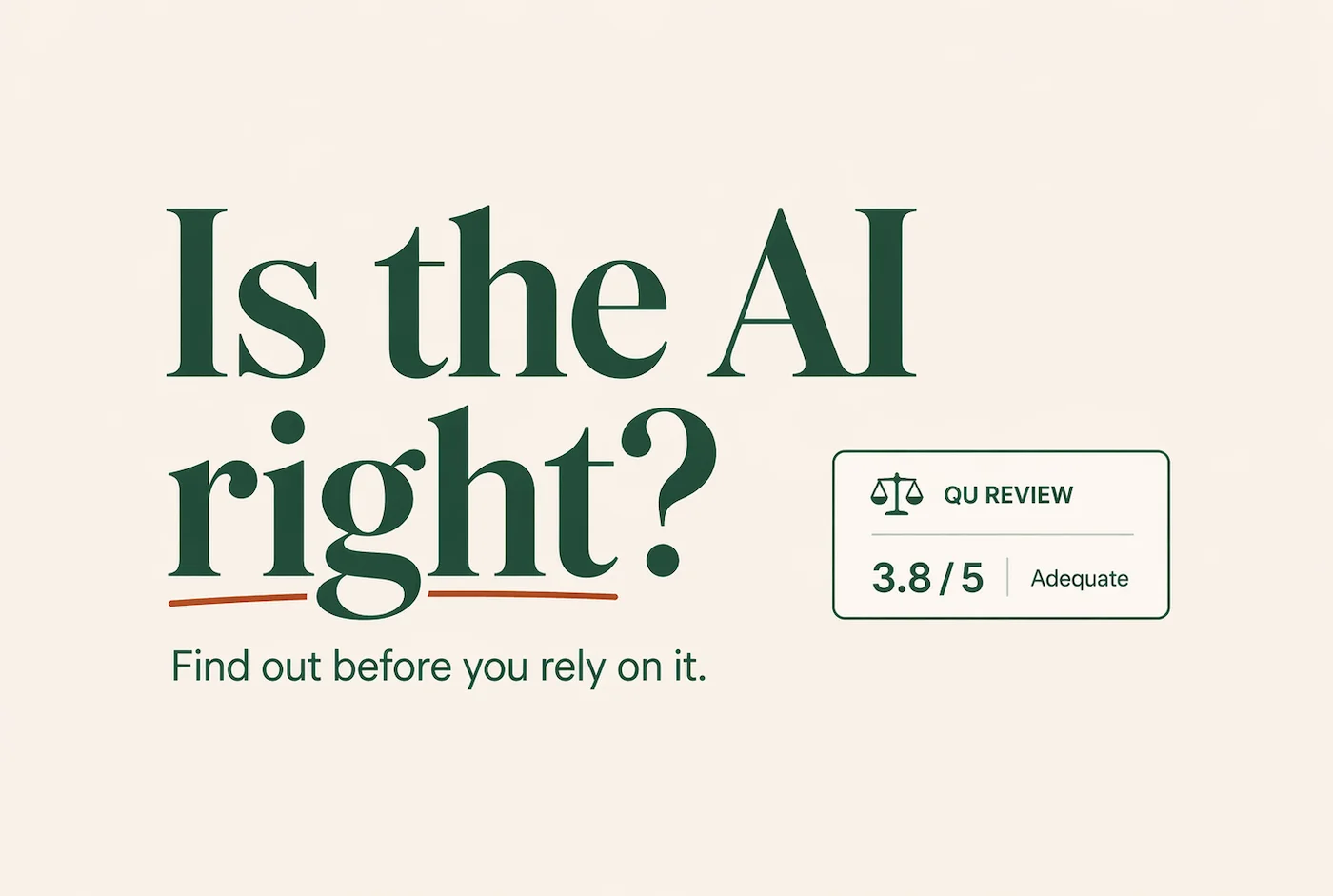
Is the AI right? Find out before you rely on it.

That's exactly what Qu Review is for.

How It Works Inside ChatGPT

No copy-pasting, no second tab. The whole review happens inside your conversation.

01

Ask ChatGPT your question.

Start like you normally would. Ask anything. Get ChatGPT's answer.

02

Get a review from @Qu Review.

Just type it in the chat. Qu Review is a ChatGPT app. No new tab, no copy-pasting.

03

An independent panel reviews the answer.

Three AI reviewers (a Skeptical Analyst, a Subject Expert, and a User Advocate) each evaluate the response independently. Their findings appear directly in the chat.

04

Ask ChatGPT to revise. Get a better answer.

"Update your response based on the Qu Review." That one follow-up, informed by independent findings, often produces the answer you actually needed.

Inside ChatGPT

“Get a review from @Qu Review

That's it. The review appears in your next message.

Where Professionals Use Qu Review

Any time an AI answer is going to inform a decision, a message, a document, or a recommendation. That's when Qu Review earns its place.

Qu Review Findings 4.2 / 5 Good
!
Potential Inaccuracy
Market size figure not consistent with cited sources.
Gap
Two major competitors not addressed in the comparison.
Explore Further
Regulatory environment may affect the recommendation.

Business Analysis & Strategy

You ask Claude to analyze a competitive landscape before a board presentation. The summary looks tight. Qu Review flags two companies omitted and a flawed market size assumption. You use the feedback to get a revised analysis from Claude. You present with confidence.

Qu Review Findings 3.5 / 5 Adequate
!
Potential Inaccuracy
Causal relationship presented as established — the summary doesn't support this.
Gap
Limitations and caveats of the findings not mentioned.
Explore Further
Ask whether alternative explanations were considered.

Interpreting Research

You ask ChatGPT to pull out the key implications from a research summary. The answer sounds confident. Qu Review flags an unsupported causal claim and missing caveats. You ask ChatGPT to revise. The second answer is more measured and more useful.

Qu Review Findings 3.4 / 5 Adequate
Gap
Vendor lock-in implications not addressed.
!
Potential Inaccuracy
Cost projection based on unverified assumptions.
Explore Further
Request a breakdown of total cost of ownership.

Decision Support

You're evaluating two vendor options with help from Gemini. The recommendation sounds logical. Qu Review flags a missing consideration around vendor lock-in and an overconfident cost projection. You share the critique and get a more balanced analysis.

Qu Review Findings 3.7 / 5 Adequate
!
Potential Inaccuracy
Statistic in paragraph 3 appears outdated — more recent figures tell a different story.
Gap
Counterargument not represented — piece reads one-sided to a skeptical reader.
Explore Further
Ask how critics of this position would respond to the central claim.

Articles & Published Content

You're drafting a thought-leadership piece on AI adoption trends with ChatGPT's help. The argument flows well. Qu Review flags an outdated statistic and a one-sided framing that would undermine credibility with skeptical readers. You revise both before publishing.

The Review Is Just the Beginning.

The review appears right in your chat. ChatGPT immediately begins engaging with it, and then you take it further.

01

Understand

The review surfaces exactly where inaccuracies, gaps, or weak reasoning were found. See what to trust and what to question.

02

Discuss

ChatGPT immediately begins discussing the review in the same conversation. It points out findings it agrees with, pushes back on others, and offers its own perspective.

03

Improve

Ask ChatGPT to revise based on the findings. That one follow-up often produces the answer you actually needed.

“Update your response based on the independent Qu Review.”

One follow-up. Informed by an independent panel. A noticeably stronger answer.

Qu Review doesn’t compete with your AI. It makes your AI conversation better.

Start reviewing in-chat today.

Connect Qu Review to your AI in under a minute. No account needed to start.

ChatGPT Official App

One click to connect

Qu Review is listed in the ChatGPT App Directory. Add it once, use it in every conversation.

  1. Open the link below
  2. Click "Add to ChatGPT"
  3. Say “Get a review from @Qu Review” in any chat
Add to ChatGPT, free

3 free reviews included. $10/month after.

Claude Custom Connector

Add via custom connector

In Claude, create a custom connector to add Qu Review to your conversations.

1 Go to Settings → Connectors in Claude

2 Create a connector named "Qu Review"

3 Set the URL to:

https://app.qureview.ai/claude/mcp

Same subscription covers Claude and ChatGPT.

What Users Are Catching

Real feedback on real AI answers. These are the moments Qu Review was built for.

“Another ‘set of eyes’ adds real value.”
“Caught meaningful issues in ChatGPT’s responses.”
“Subtle inaccuracies. Very often omissions.”
“Stronger, more actionable responses.”
“Improved the AI response in ways that mattered.”
“I would pay monthly for this.”
“Genuinely impressed.”
“Found an outright incorrect financial evaluation.”
From early users
“I’ve been really surprised by what Qu Review spots in responses. Sometimes subtle inaccuracies and very often omissions. Having another ‘set of eyes’ adds real value. When I ask ChatGPT for information, get a Qu Review, and then ask ChatGPT to incorporate the feedback, I end up with stronger and more actionable ChatGPT responses.”
– Early User

We wondered what an AI thought of getting reviewed… so we asked!

Your AI receives the Qu Review feedback right alongside you. It reads the critique, engages with the findings, and helps move the conversation toward a stronger answer.

AI Response
Was the Qu Review helpful?

Yes — it added genuine value to the conversation. The review caught a nuance I missed in my initial response and surfaced a consideration that changed the direction of my recommendation.

Having an independent check like this is a useful forcing function. It keeps me honest and gives you a clearer picture of where my answer is strong and where it might need more thought.

From a real AI conversation using Qu Review

One Plan. Unlimited Reviews. No Surprises.

For professionals who use AI regularly, Qu Review pays for itself the first time it catches something that matters.

$10/mo
  • Unlimited reviews
  • 7-day free trial before first charge
  • Cancel anytime
Create Free Account

No credit card to create an account. When you're ready, activate your trial from the dashboard. Card isn't charged until the trial ends.

Where it works
  • ChatGPT App Directory Available now
  • In-chat inside Claude Available now
  • Web · qureview.ai Available now

All three included in the same subscription. No upgrades, no separate charges.

Frequently Asked Questions

Honest answers about how Qu Review works and what to expect.

Professionals who use ChatGPT, Claude, or other AI tools regularly for meaningful work (analysis, research, writing, strategy, decisions) and want a fast, independent way to pressure-test the answers before relying on them. That said, anyone who wants a second opinion on an AI answer is welcome to use it. Students and educators use Qu Review too, but the product is primarily designed for professional workflows where accuracy and completeness matter.
Anything where you're about to act on the result, send it to someone, publish it, use it to make a decision, or trust it professionally. Business analysis, research summaries, decision support, recommendations, important drafts. The more the answer matters, the more valuable an independent check is. Qu Review is not primarily intended for casual or low-stakes questions.

Each review produces a composite score on a 1–5 scale, derived from five dimensions:

Accuracy:Are the facts, claims, and reasoning correct?

Completeness:Does it cover the key points without significant gaps?

Depth:Is the level of detail well-calibrated to the question?

Usefulness:Does the response genuinely serve what the user was trying to accomplish?

Nuance:Does it acknowledge complexity, trade-offs, and edge cases?

The composite is labeled Excellent (≥4.5), Good (≥3.5), Adequate (≥2.5), Needs Work (≥1.5), or Poor.

Each review surfaces three types of findings, each in its own category:

Inaccuracies:Specific factual errors or misleading claims, each paired with a correction so you know exactly what to fix.

Missing Info:Important topics or considerations the response left out, ranked by how much they matter to your question.

Explore Further:Follow-up questions and angles worth exploring to deepen your understanding or challenge the response further.

Yes. The easiest path is the ChatGPT App Directory: add Qu Review once and use it in every conversation without leaving the chat. In Claude, create a custom connector named "Qu Review" pointing to https://app.qureview.ai/claude/mcp. The web interface at qureview.ai also works with any AI tool. All three are included in your subscription automatically.
Yes, and this is the most powerful use of Qu Review. When the review appears in chat, ChatGPT immediately begins discussing it. It may defend what it got right, acknowledge gaps, or revise on the spot. You can also push it further: "Update your response based on the Qu Review." That single follow-up, informed by an independent panel, often produces the answer you actually needed.
It's like getting a second medical opinion from a doctor at a different practice. Fresh eyes, no shared assumptions. Qu Review's panel uses a mix of models from OpenAI, Anthropic, and Google, and three panelists review the answer separately, each through a different lens, before their findings are synthesized. Asking any single AI to check its own work tends to confirm what it just said; an independent panel with different roles and a mix of underlying models won't.

Every Qu Review is conducted by a panel of three AI reviewers, each with a distinct role.

Skeptical Analyst:Focuses on factual accuracy and completeness, looking for errors, unsupported claims, or missing information.

Subject Expert:Evaluates the response from a domain knowledge perspective, assessing whether the explanation reflects sound understanding of the topic.

User Advocate:Represents the user's perspective, evaluating whether the response provides meaningful insight, appropriate depth, and the right level of nuance to be genuinely useful for the question asked.

Their individual findings are synthesized into a single unified report with a composite score.

No, and we're upfront about that. Qu Review is a second opinion, not a ground-truth authority. It reduces the chance that you miss something important, but it's not infallible. The panel approach (three independent perspectives) significantly reduces blind spots. Use it as one layer of judgment, not the final word.
Yes. Your subscription includes unlimited reviews for your everyday use. No per-review credits, no usage caps, no surprise charges. Review as many conversations as you want, as often as you want. We do have fair-use safeguards in place to prevent automated or bulk usage, but if you're using Qu Review the way it's meant to be used, you'll never notice them.

Your AI gave you an answer. Now get a second opinion.

Free to start. Review appears right in your ChatGPT conversation.

Add Qu Review to ChatGPT